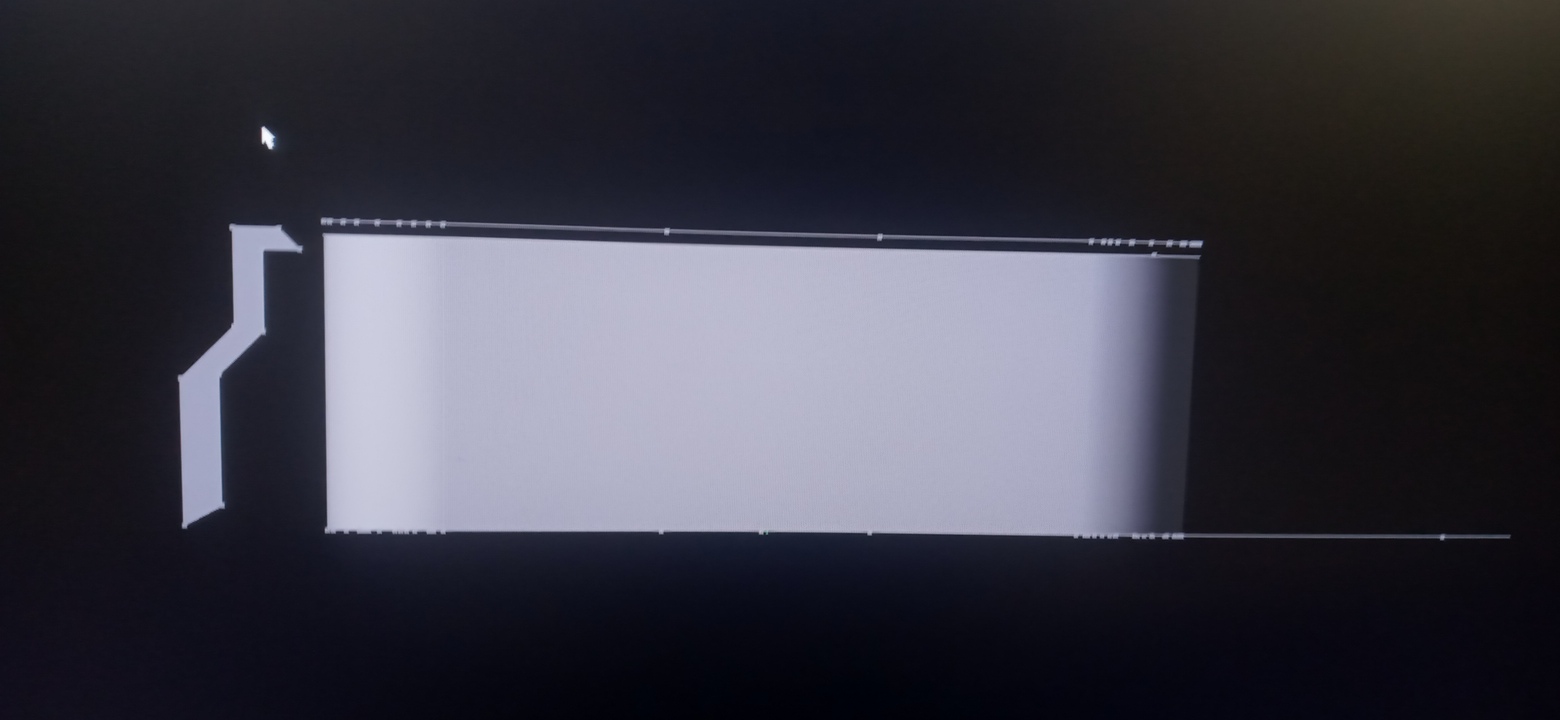
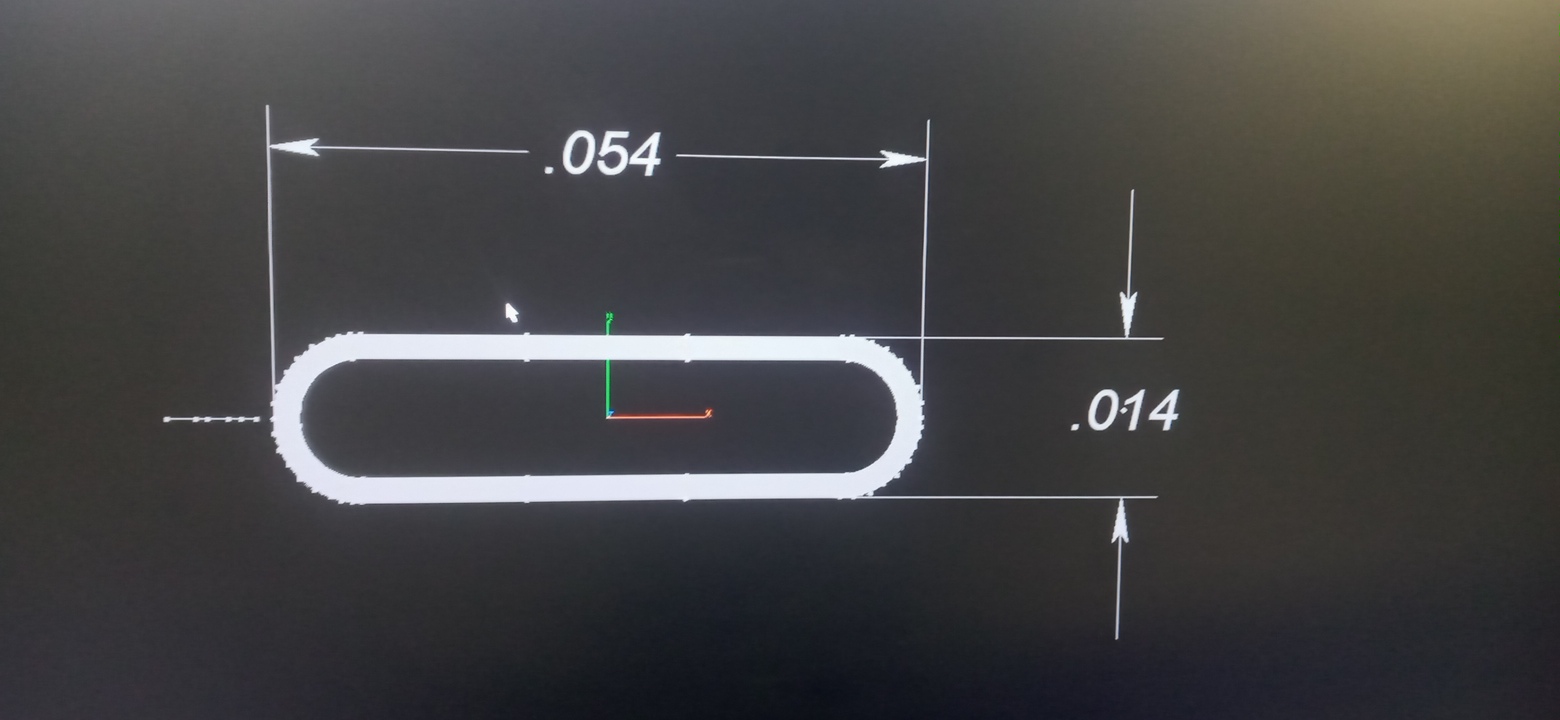
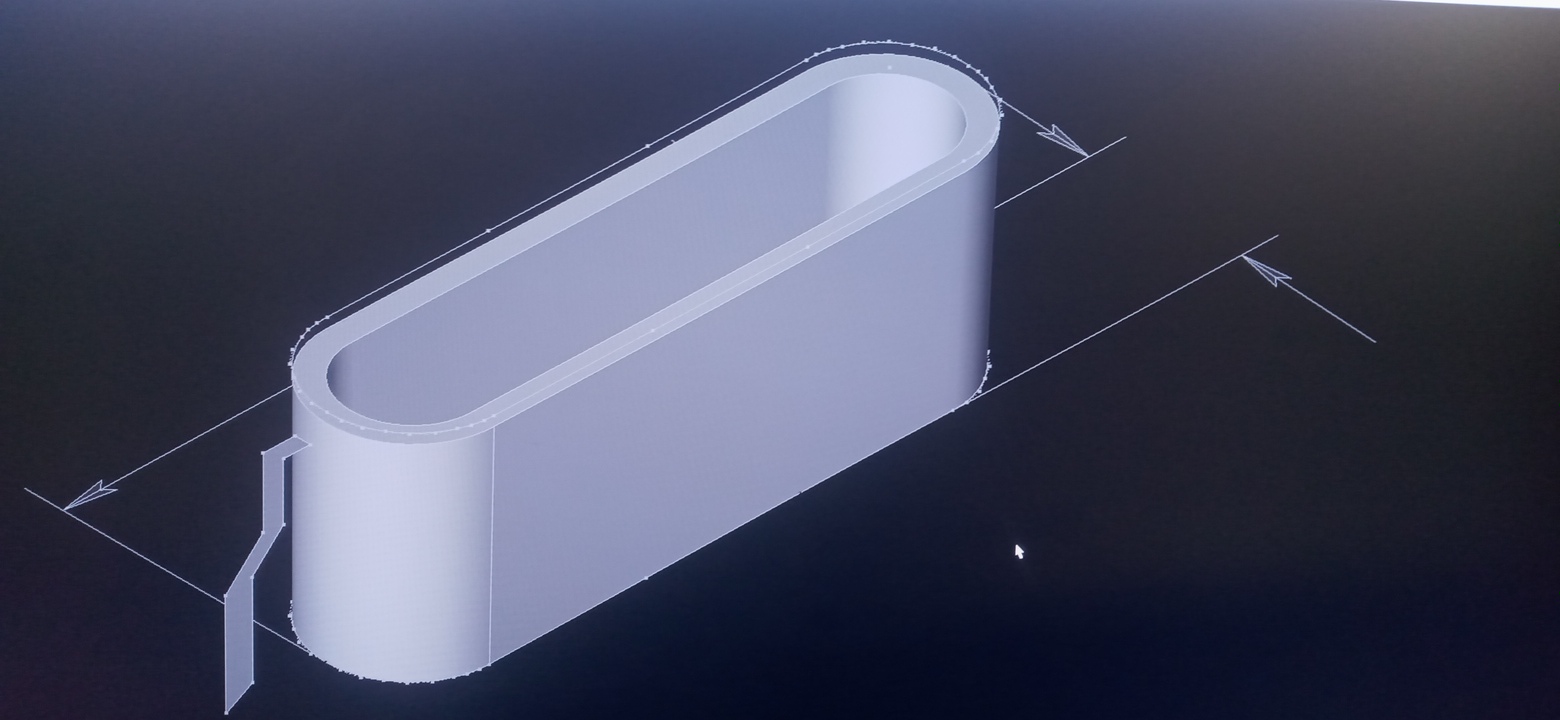
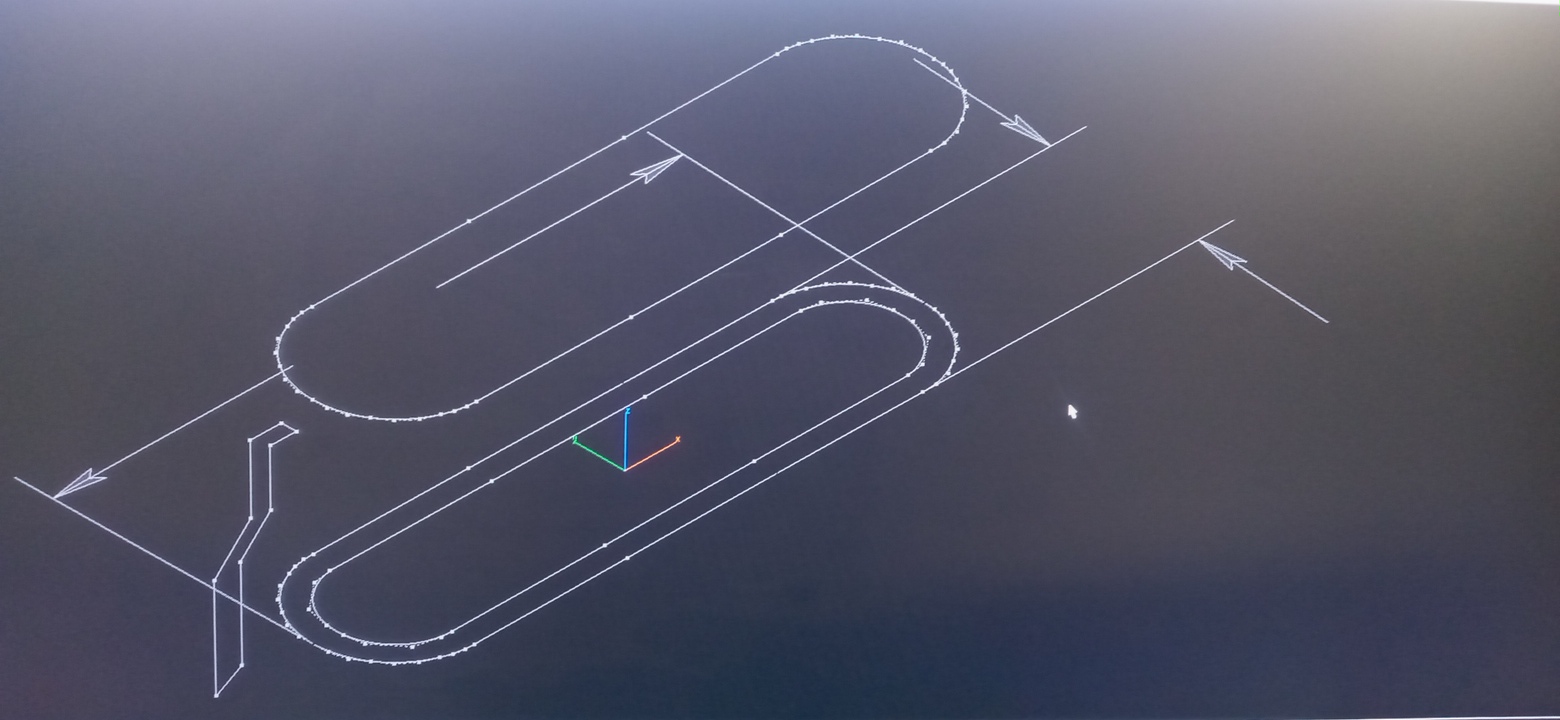
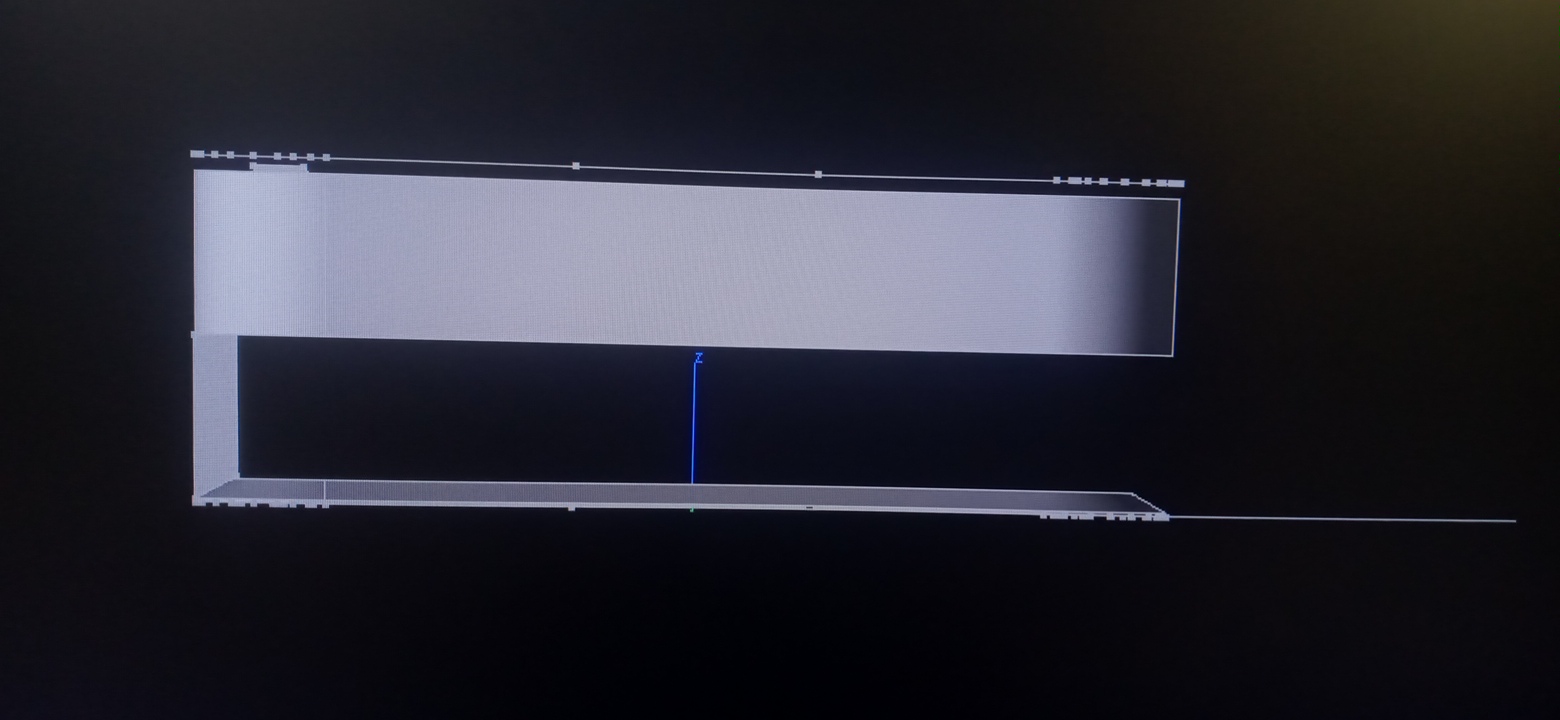
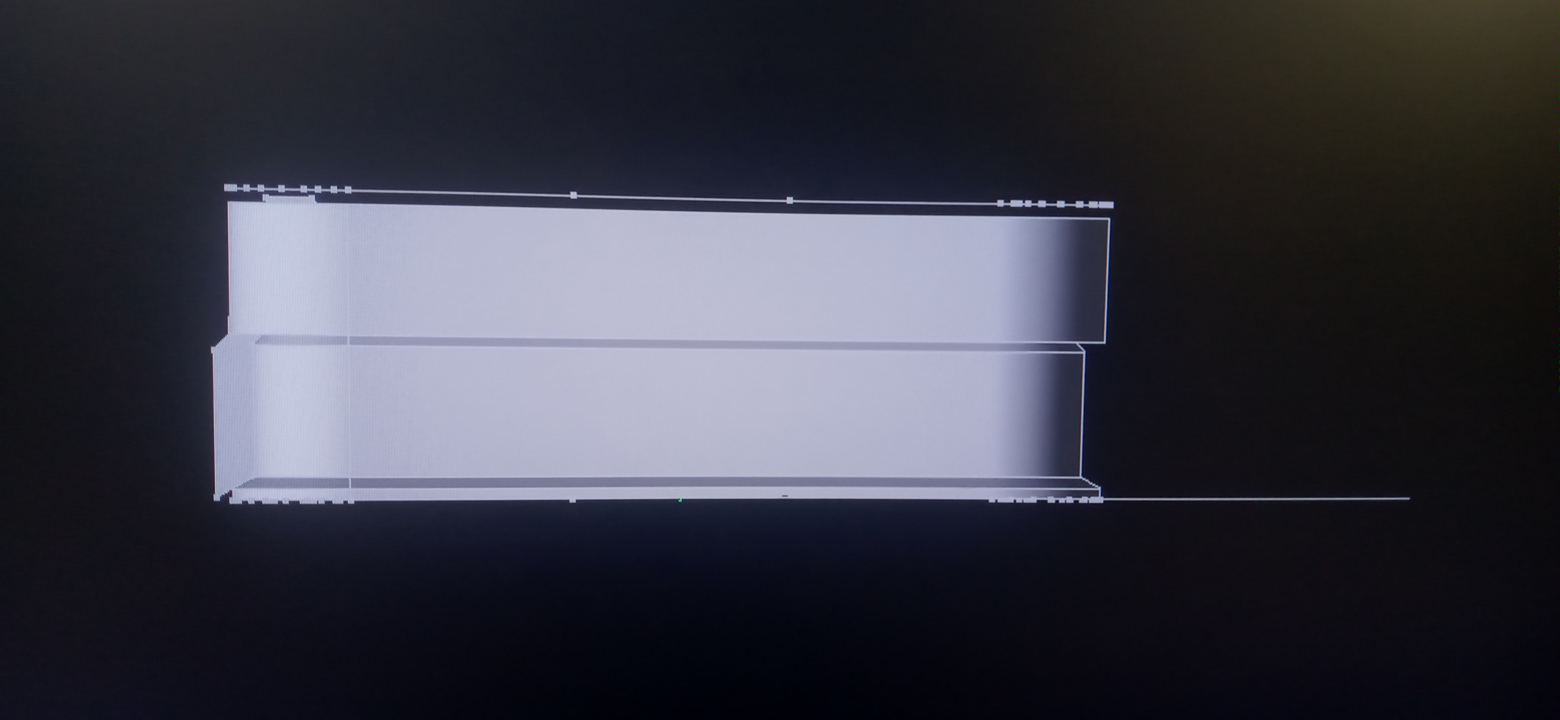
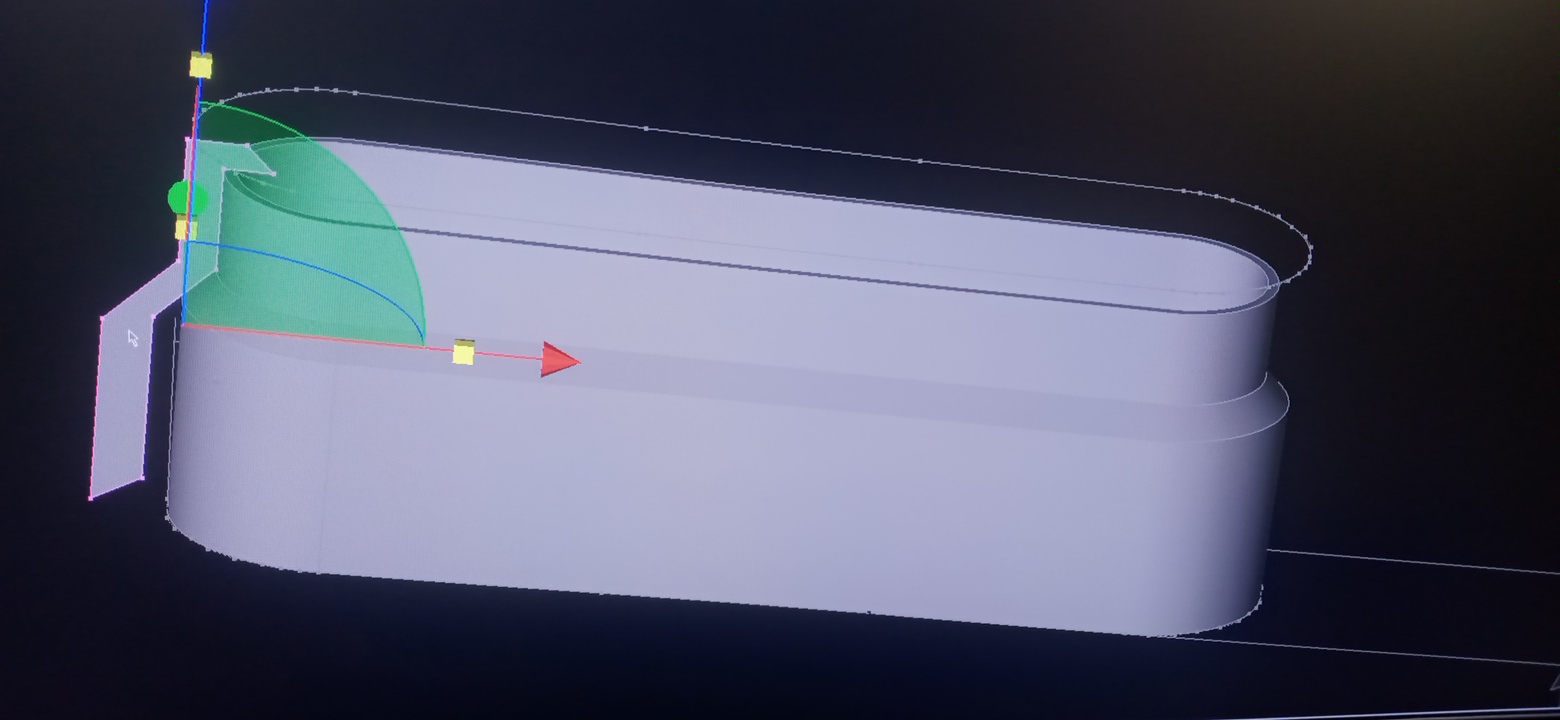
Would someone kindly indulge me: How do I do this inSharkCAD?
I suppose this could be seen as a solid with draft indide and outside shelled or given a through-hole like a bossing might be done…
I was unable to achieve this construction at the 6m 50s point for the URL below.
Tried Guide Cover Surface.
Tried Revolve (on a lark).
Other tools failed, too.
(Tried the Mesh Modeling Tool as a last resort, after joining the lines and arcs of the slot)
But, but, but, interestingly, I got pretty close by:
— creating the base using the slot tool (outer length at 0.54m and width or height at 0.14m; inner dia scaled smaller) for then using the Push-Pull tool to make a surface
— creating an oval at the top (copied from larger oval at bottom
— creating (off to the side) a sketch of lines and adding a surface (and moving to intersect with solid made using below, or just experimentally position and shape as desired for effect)
— using Push-Pull tool and making the solid be 0.018m high/tall
— using CutOut Solid, Along Path
— used the upper slot as the path
The CutOut Solid tool in the V12 User Guide, as on page 514 undersells the value and power of the tool. I only accidentally and through frustration and blitzing through the tools took a chance and got lucky.
But, if there’s a way to do in SharkCSD what the askNk did in his video, I’d love to learn.
““Finally, A Free The CAD Tool You Probably Have Been Waiting For!””
https://youtube.com/watch?v=BXN80-LldMA&
askNK