Create new does nothing in V14. Also no option to create from file exists?
None of my materials exist in V14, so how do I get them from V12 to V14?
Thanks
The Materials are saved in: C:\Program Files\Punch! Software\Shark FX 9 DE\Environ\Materials.ini Copy it just to your never version.
That doesn’t help with my rendered materials which in my case are mainly powder coated paints. I cant find anyway to edit or add them in the Render Library ?
We are working on a 1634 build that will address this issue.
Will also provide a video showing where you place your custom render material content.
Tim
Any news on this subject by now? Any build 1634 out yet?
I must say I actually do find the new render “engine” and set-up rather a disappointment to what previously was in software with the Lightworks “engine”. For one thing I have spent weeks on end to make custom materials and decals and backgrounds which enabled me to quickly produce previews for client presentation and reports. No guide on how and if it can still be used in the v14 version. Open a v12 file in v14 and all is gone!
I have an old Keyshot licence, but seldom used it as that level of render was not really required and takes too long time to do when your model has hundreds of elements in it..
With the new v14 all is gone, you cannot do a quick test render as there is no “render fence”, decals are gone, and the new selection of materials is a complete new setup,- HDRI background import is gone a.o. The old v12 and earlier was hard to work with as well, but you could produce quick and good results with a bit of tweaking and as soon as you learn how to edit the files in the “Photorender” folders both in the software itself and in the user library you could get it to work. The v14 I find you cannot tweak as you could previously, so what now?
I have actually resolved to stay on OSX “Monterey” (V12) just to make sure that SharkCAD v12 would still work. But at some stage I shall have to upgrade the OS, and what then?
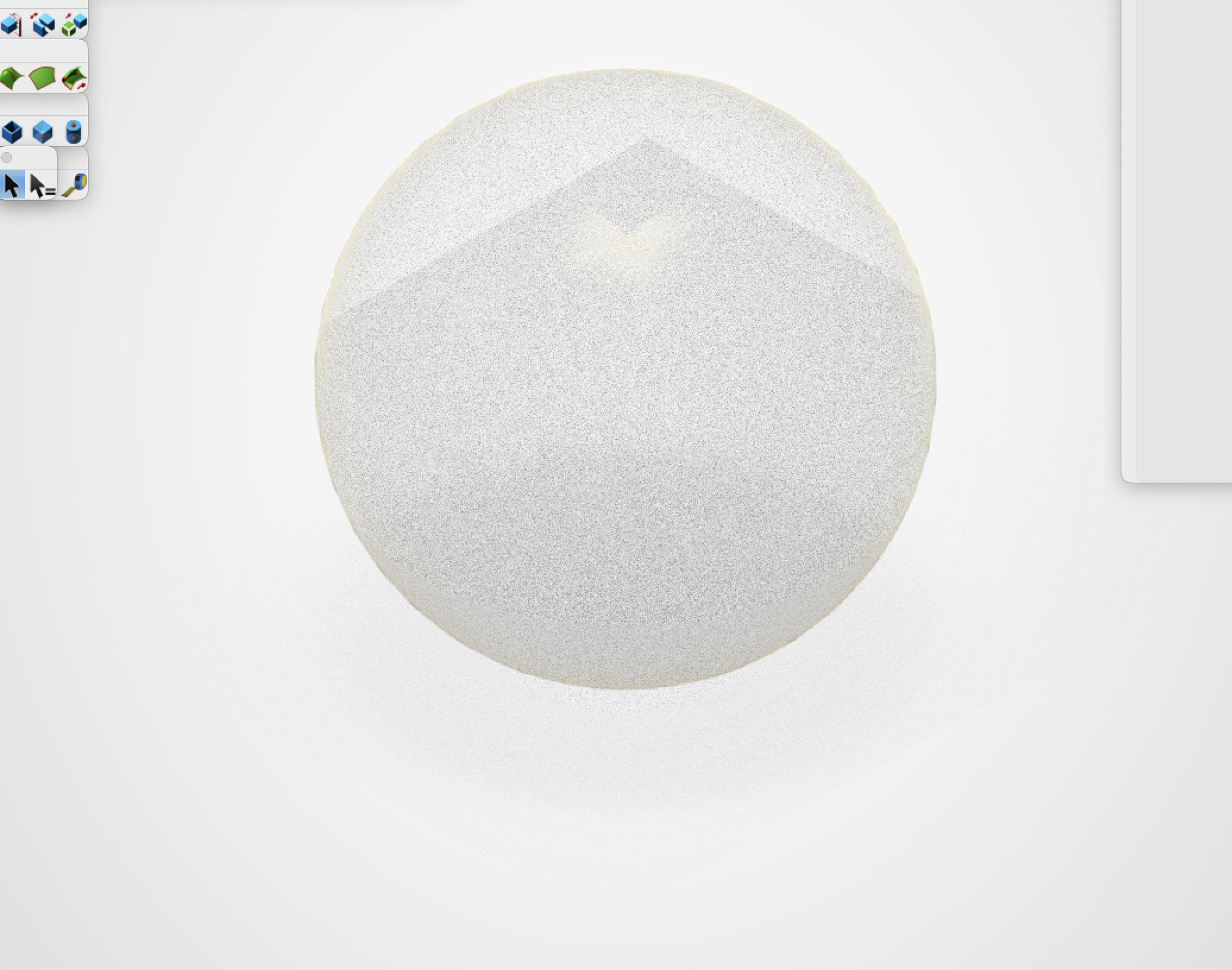
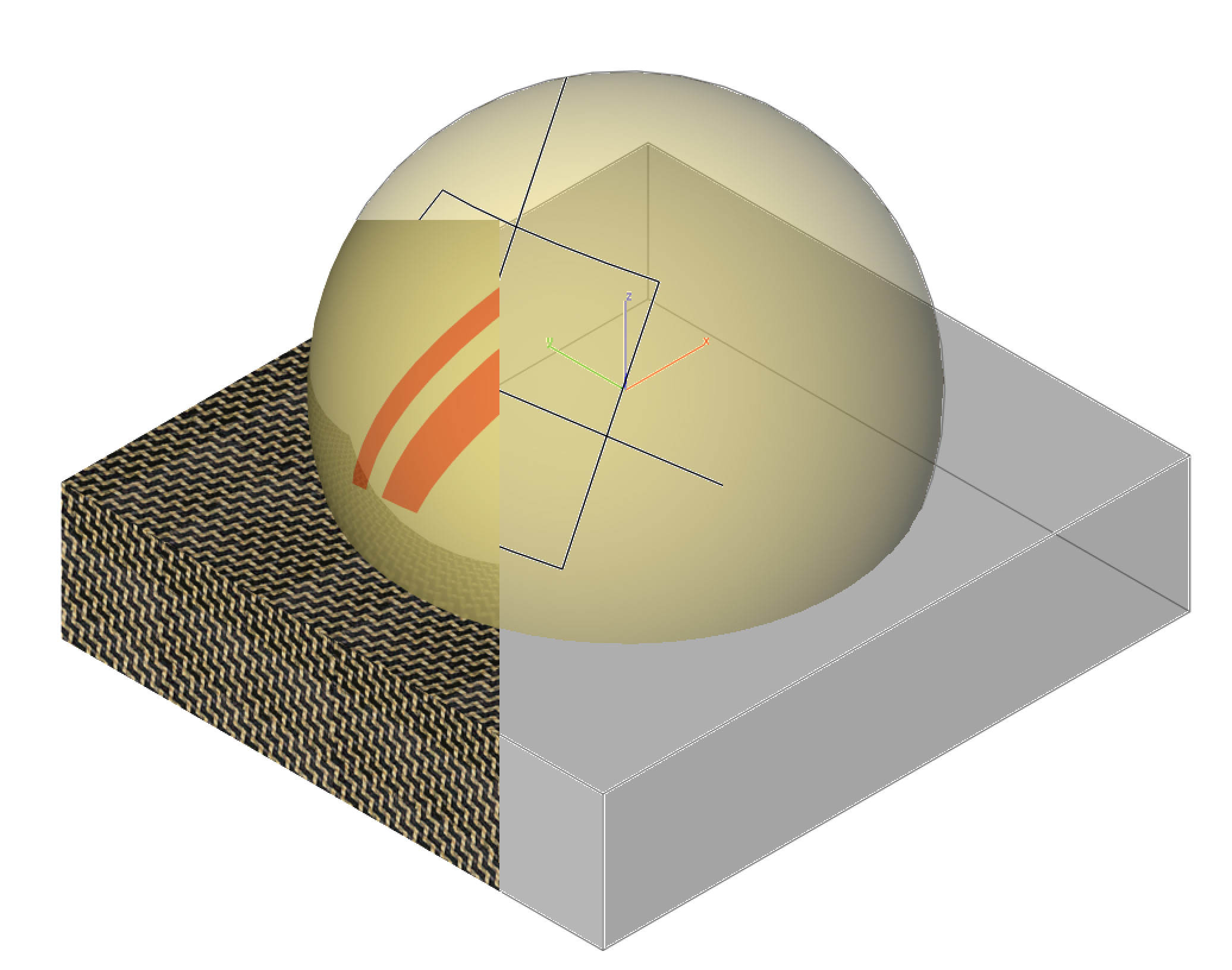
I loaded 1635 Shark Windoze but it still seems broken to me? Still cant create/add any new materials. Is there instructions anywhere?
Click create, click select my file (jpg). Hangs every time.
Is there a manual way? I tried cutting and pasting materials into directories and making up some pretend *.mat files. That gets me a preview and I can drag it onto the face but then it does nothing.
There is no 1634 build as far as I have seen. But there is a 1635 build and there is as far as I can see NO improvement in that build. See my previous post of 13 days ago.
SharkCAD as is now is simply INFERIOR to the previous v12 version! The v14 version was “released” more than half a year ago and we have paid for an upgrade that does not work as advertised !
COULD WE PLEASE HAVE THE v12 RENDER ENGINE BACK !
rgds Birger Kullmann
Will also provide a video showing where you place your custom render material content.
I’ll make a video showing how to add a custom material for rendering…
Tim
I’m sharing your pain! I cant add materials or get any decent results. But I’m happy to go down the opensource path if it works and produces quality results. Additional features like GPU processing are good things (although I don’t believe this is working and I read somewhere GPU processing on luxcore is not recommended!).
Hopefully Tim does a detailed video soon and stuff gets sorted.
I’m sorry, I made a mistake in this thread, because I provided the path to the materials for the mass properties instead of the path to the render materials. But what about the “PhotoRender” folder in the program path? This contains all the necessary files for rendering. Why is it a problem to move user-defined files into this folder for version 14?
I don’t have version 14 installed and therefore can’t test it.
I made a test with the render library and didn’t find out where user-defined items are saved. Admin rights are needed for saving in the program folder, but nothing was saved and the new item is just in the library. I am confused. Sorry, this is not the right thread for me because I know nothing about it.
Relax. Ver 14 is completely different. Different render engine, different everything…
Hopefully we see some instructions on this soon.
I completely agree with Birger - rendering in 14 is pretty much useless. My old version of V12 renders better and faster on my old MacBook Pro than 14 does on my newer M1 desktop. Clients LOVE it when I can turn around a decent photorealistic, textured product rendering in seconds in v12 - not so in 14 - you will wait and wait and …the result is not good. It would be great to have an option in 14 for v12 rendering. Right now, I have to export V14 files back to 12 on my old laptop to render - time consuming? YES - but I can do THAT faster than v14 renders a fuzzy blob.
I too, am looking for a way to add and edit materials in the render library…
Mike…
Been 10 months and you still can’t add materials and textures 