Am I mistaken or do we need a dialog similar to this to be able to edit an existing material, and optionally, add it to the library, for Photo Realistic Rendering? See attached!
Mike…
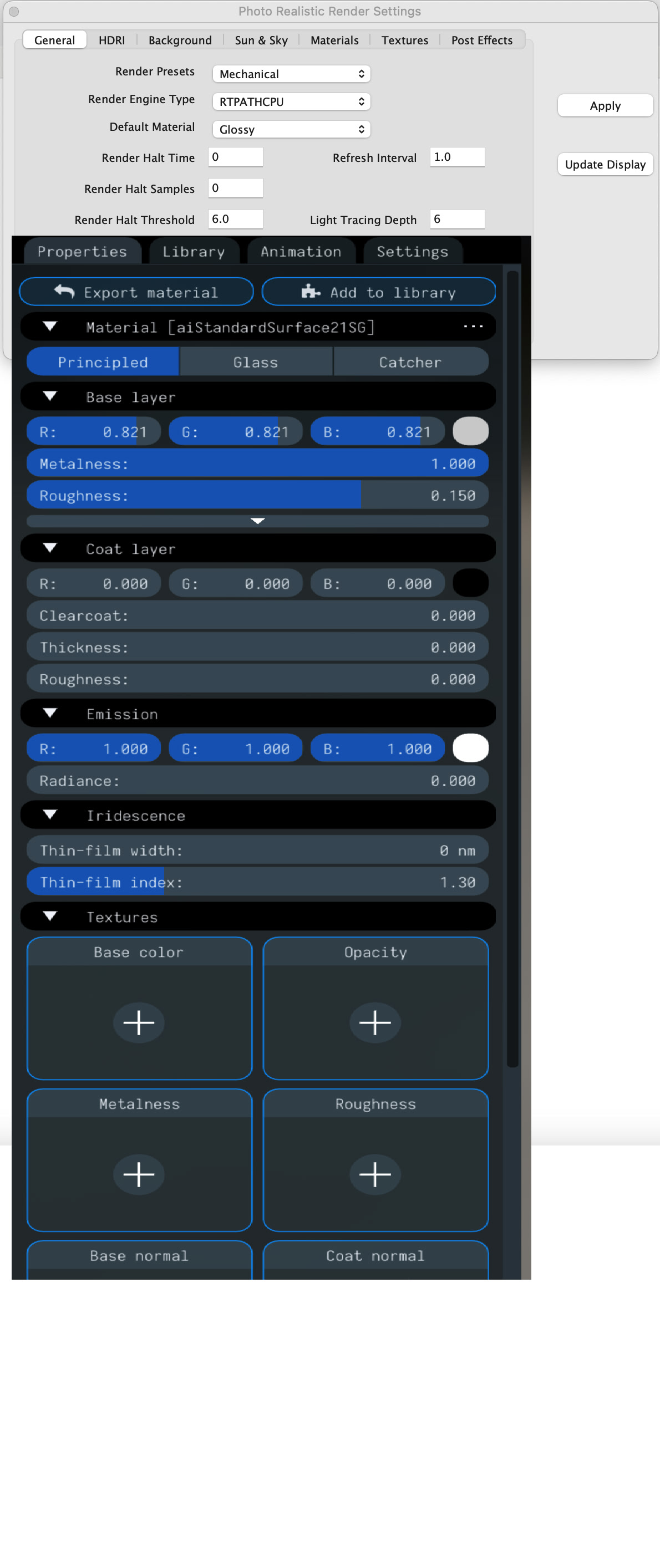
Am I mistaken or do we need a dialog similar to this to be able to edit an existing material, and optionally, add it to the library, for Photo Realistic Rendering? See attached!
Mike…
The new LuxCore renderer in SharkCad/ViaCad has the similar dialogue but it is far from usable.
The integration has been rushed and IMHO is not a usable replacement for the old Lightworks renderer.
Practical options are to either use Keyshot or export to a format supported by a completely external renderer like LightTracer(your screenshot).
This is not an unusual situation for CAD software, most rely on Keyshot.
Another option is to get Plasticity and use its (live) Bridge to Blender which has Cycles and Evee renderers built in and numerous other rendering engines that can be added as plugins, including LuxCore.
Are these the “similar dialogs” you are talking about? If not, which one are you talking about?
Mike…

yes, those are the dialogues. This is where you are supposed to create materials and save them. The panel needs a considerable amount of work before it is usable.
LightTracer is a completely different renderer, but like Keyshot and Maverick, it can import step files and at just $99 seems better than spending a lot of time struggling to render something inside SharkCad/ViaCad
5 months later and in V14 you still cannot create/add new materials and textures. Is this ever going to be fixed?
Hey mate, thanks for this. I’ve lived with the frustration of average renders in Shark for a long time and I’ve lost hair trying to understand rendering in blender. However, after reading your comment I bought Light Tracer and I’m so wrapped with it. Just fantastic and cheap!
It imported all my powder coating colors without issue and displays them with incredible realism to the actual color and texture.
Cheers
For anyone finding Keyshot expensive I recommend checking out Adobe Substance Stager.