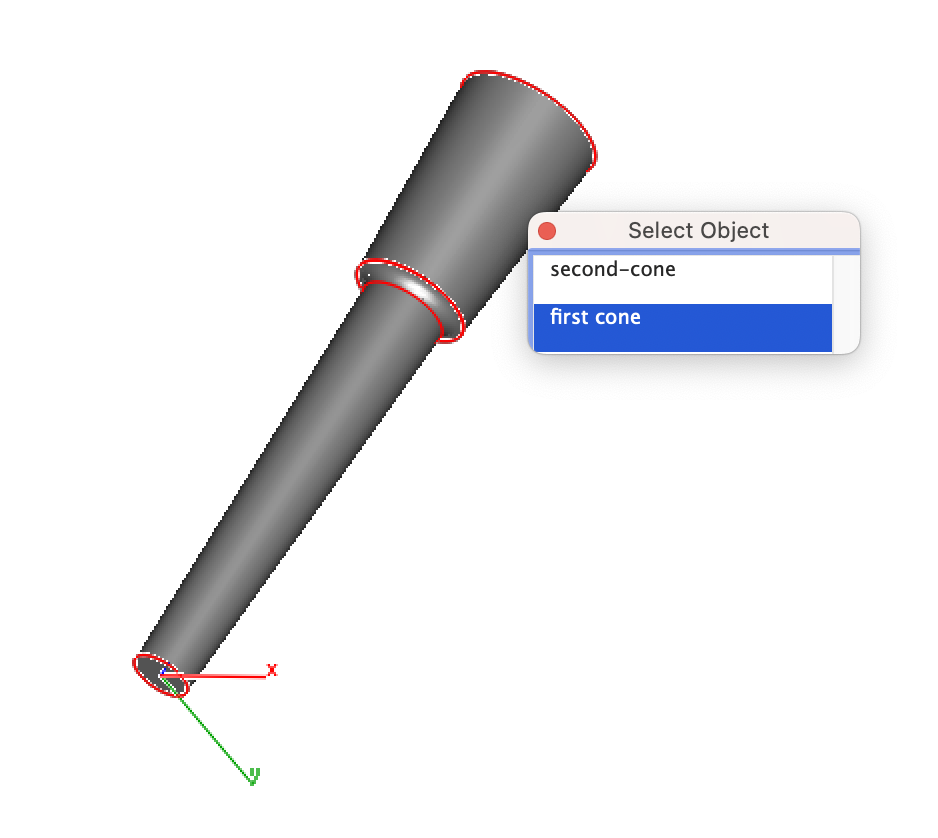
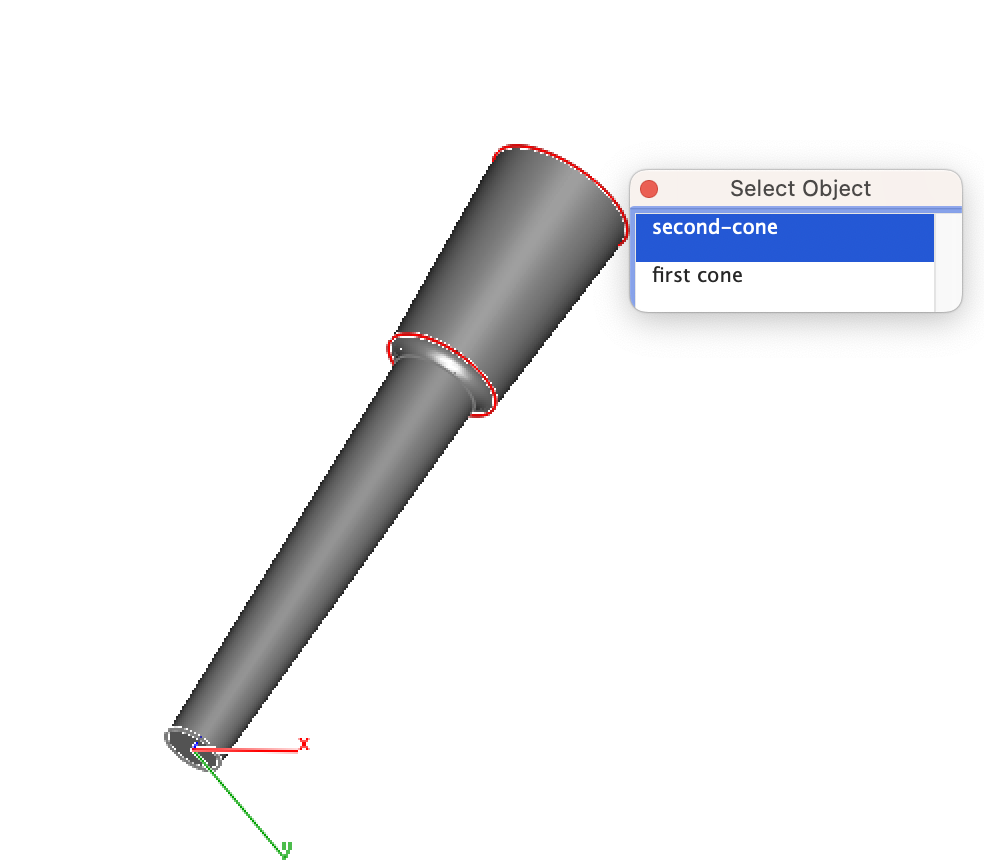
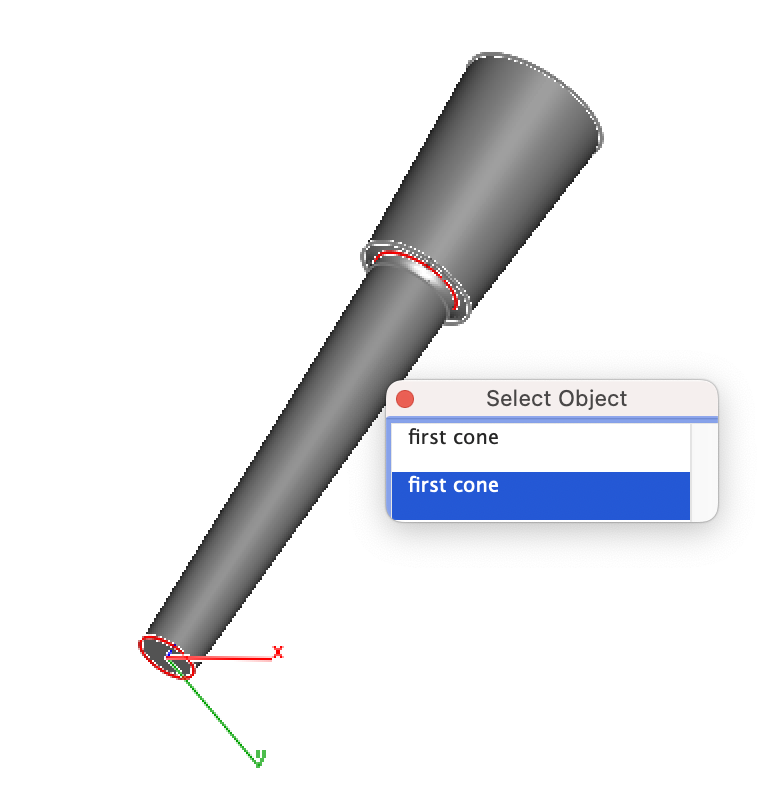
I’m seeing this as a repeatable “thing”, at first I thought it was my model but I’ve just recreated this in the attached file.
Draw say, four circles, skin solid and create two parts, join these using union tool, and there are now three parts not one. Is this expected behaviour?
so, I draw two lines one is inline & tangent to the other, I place one circle at the start of the line, two other circles with different diameters concurrent & centred at the middle intersection, and one larger circle at the end of the line. Using skin solid I skin the lower part “first cone”, and skin the second one “second cone”. then I join them using the union tool, and add a fillet radius to confirm they are joined.
When I click on a part, I get two parts listed, one is the “joined part” the other the original cone I drew.